

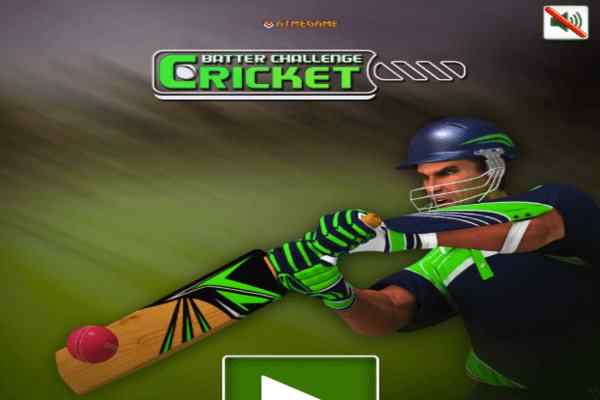
Cricket Batter Challenge Game
Cricket Batter Challenge


-
 100%
100%
-
 0%
0%
-

-
Report
Report Game
What kind of problem have you encountered?

-

-

Game Instructions:
-
Play ShotPlay ShotPlay Shot
Recommended Cricket game
-
![Play Cricket Fielder Challenge]() New
New
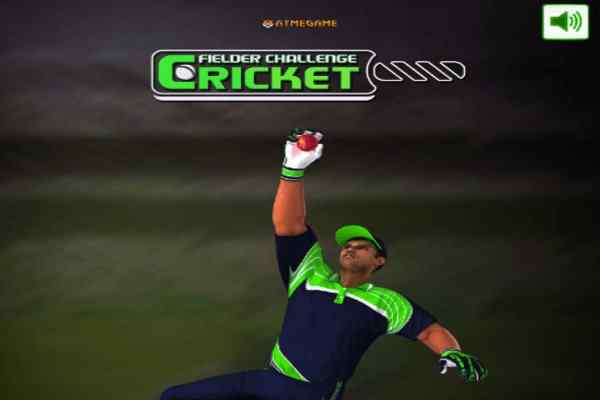
Cricket Fielder Challenge
Play the role of a wicket keeper and defend your team by catching the shots as much as you can to beat your opponent!
-
![Play Cricket Championship]() New
New
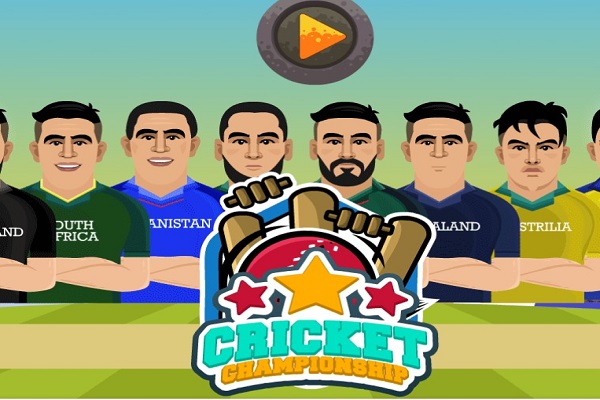
Cricket Championship
Either bat or bowl in this multi-level free online cricket game! Play the Helicopter shot, the famous Dil-scoop, and the Uper-Cut!
-
![Play India Vs Pakistan]() New
New
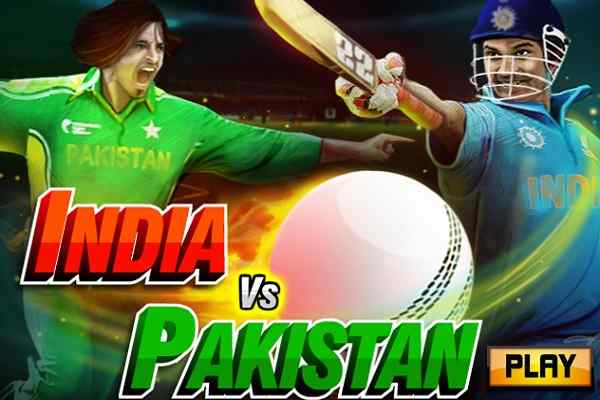
India Vs Pakistan
Feel the unique sensation while being witnessed of turning the rivalry of two countries into a sports frenzy!
-
![Play CPL Cricket Tournament]()
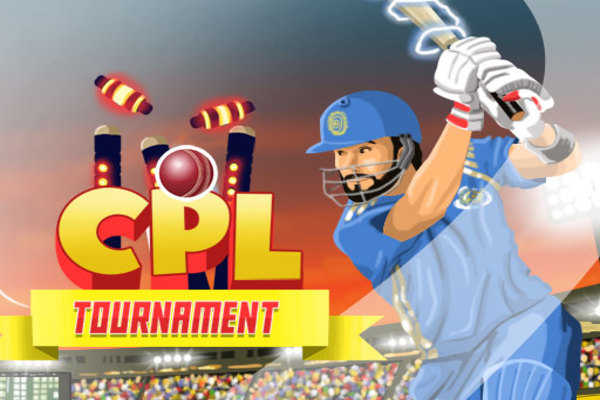
CPL Cricket Tournament
The biggest cricket tournament is here! Choose any team out of 8 and be prepared to show your skill in 2, 5 and 10 overs matches!
-
![Play Cricket Master Blaster]()
Cricket Master Blaster
Have all the fun you didn?t get in your last cricket match! Complete the given target to move on to the next level!
-
![Play The Dominator Cup]()
The Dominator Cup
The Dominator Cup: Beat various teams to emerge as an ultimate winner in the best online sports game!







Cricket Batter Challenge Game Overview
How to Play Online Cricket Batter Challenge Game
Main Features of Online Cricket Batter Challenge Game
- Batting Challenge: Focus on hitting the cricket ball and scoring runs.
- Batting Practice: Practice your timing through a dedicated batting session.
- Arrow-Key Controls: Use the keyboard arrow keys to control gameplay.
- Green Ball Indicator: Hit the ball when it reaches the pitch and turns green.
- Shot Timing: Time your hit carefully for successful batting.
- Boundary Shots: Aim to send the ball toward the boundaries.
- Three Attempts: Get three opportunities to hit the ball.
- Wicket Protection: Avoid losing your wicket during the practice session.
- Score Challenge: Try to improve your score with accurate shots.
- Restart Option: Restart the game after losing an attempt.
- Easy Controls: Features straightforward keyboard controls.
- Cricket Theme: Designed around batting and cricket practice.